> ## Documentation Index
> Fetch the complete documentation index at: https://developer.orchestro.ai/llms.txt
> Use this file to discover all available pages before exploring further.
# Account Setup
To set up your Orchestro account, follow this steps:
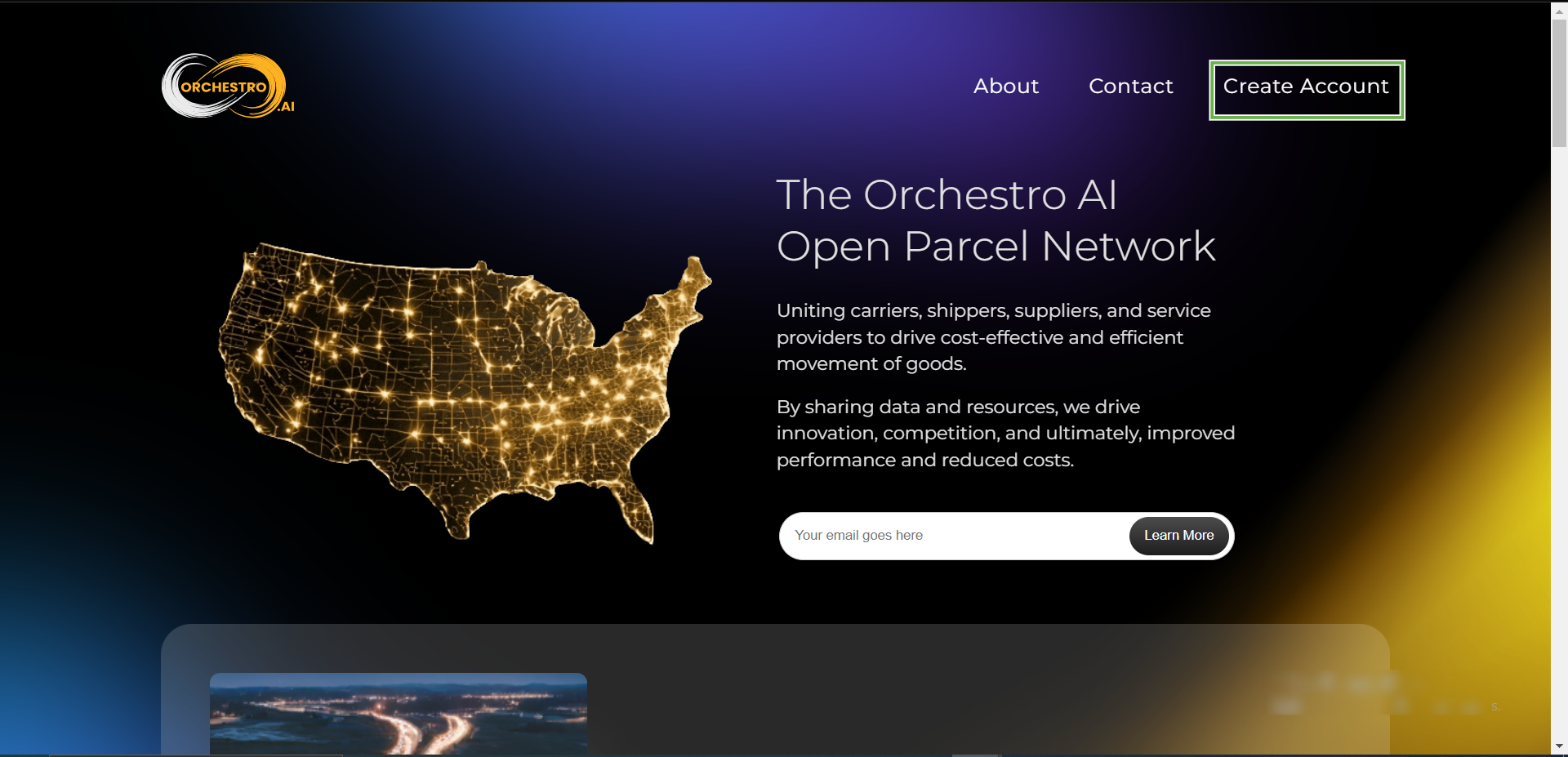
1. Go to the [Orchestro website](https://www.orchestro.ai/)
2. Click on **Create Account**.
 3. Enter your details: **Firstname, Last name, Email, Website URL, Company name, and Mobile phone number**.
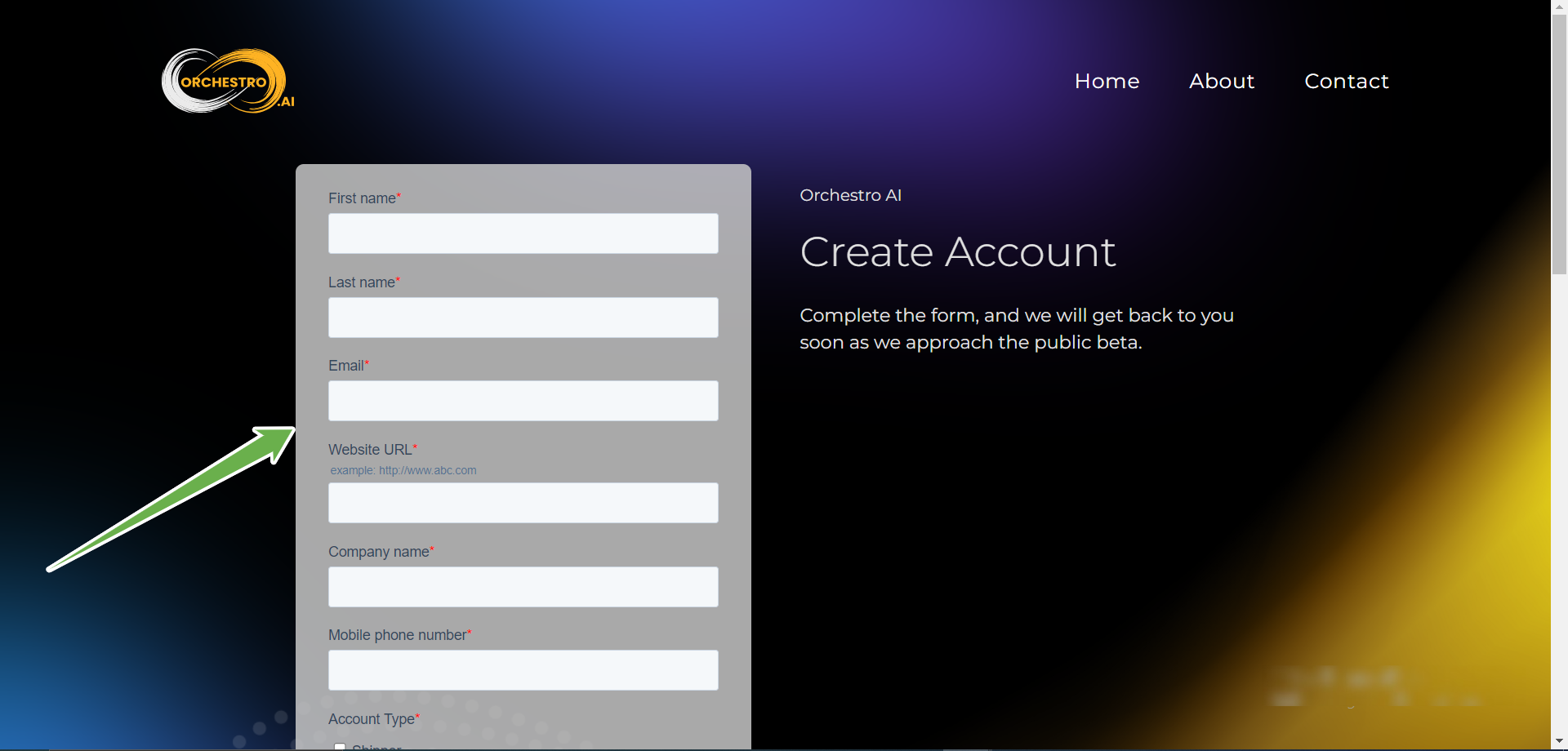 4. Select your Account Type.
5. Review and agree to the terms of service and privacy policy.
6. Click **Submit**
If you encounter any issues or have additional questions during the account creation process contact Orchestro team at **[partner.integration@orchestro.ai](mailto:partner.integration@orchestro.ai)**
4. Select your Account Type.
5. Review and agree to the terms of service and privacy policy.
6. Click **Submit**
If you encounter any issues or have additional questions during the account creation process contact Orchestro team at **[partner.integration@orchestro.ai](mailto:partner.integration@orchestro.ai)**